STEP 1
BRUSH & PROMPT
Brush the area you want to change, describe the edit, and click generate.
Edit images with AI
Use smart inpainting technology to erase unwanted elements, fix lighting, and reimagine your photos with a simple text description.
Edit it nowBrush the area you want to change, describe the edit, and click generate.
Review the AI results and select the image that best matches your idea.
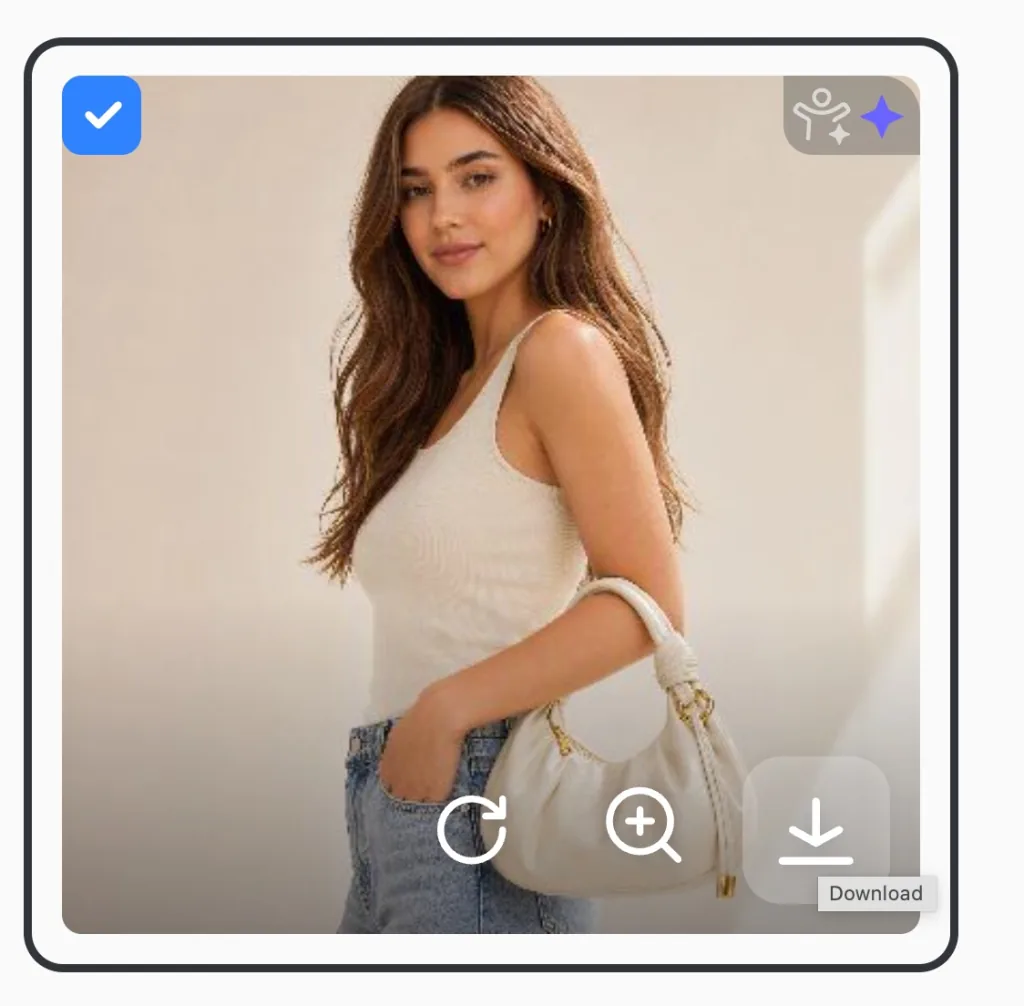
Download the finished image and use it anywhere with one click.
Make targeted edits with pinpoint accuracy. Use our AI inpainting tool to target exact regions. Swap objects, change colors, or modify facial expressions while keeping the original background perfectly intact
Reimagine specific parts of your image. AI will alter only that spot without distorting the rest of the scene.
Adjust the pose so the model has a handbag hanging from the crook of her arm,
Clean up your photos instantly. Erase unwanted details, power lines, watermarks, or random clutter. Our AI analyzes the surrounding pixels to fill the gap, making it look like the distraction was never there
Wipe away small imperfections. Remove skin blemishes, date stamps, logos, or unsightly wires
Select distinct individuals or entire crowds, and the AI will reconstruct the scenery behind them instantly
Remove the stock
Our AI inpainting technology analyzes the scene's lighting, color palette, and depth to merge new elements so naturally that the final image looks completely untouched.
Avoid the plastic look. The inpainting engine replicates the original camera noise and surface textures.
The AI detects the direction and intensity of light sources in your photo. It automatically generates correct highlights and shadows.
Add elegant indoor greenery
Edit photos as easily as texting. Simply brush over an area and describe the change in natural language. Whether you type "remove the stock" or "add greenery," our AI interprets your intent instantly.
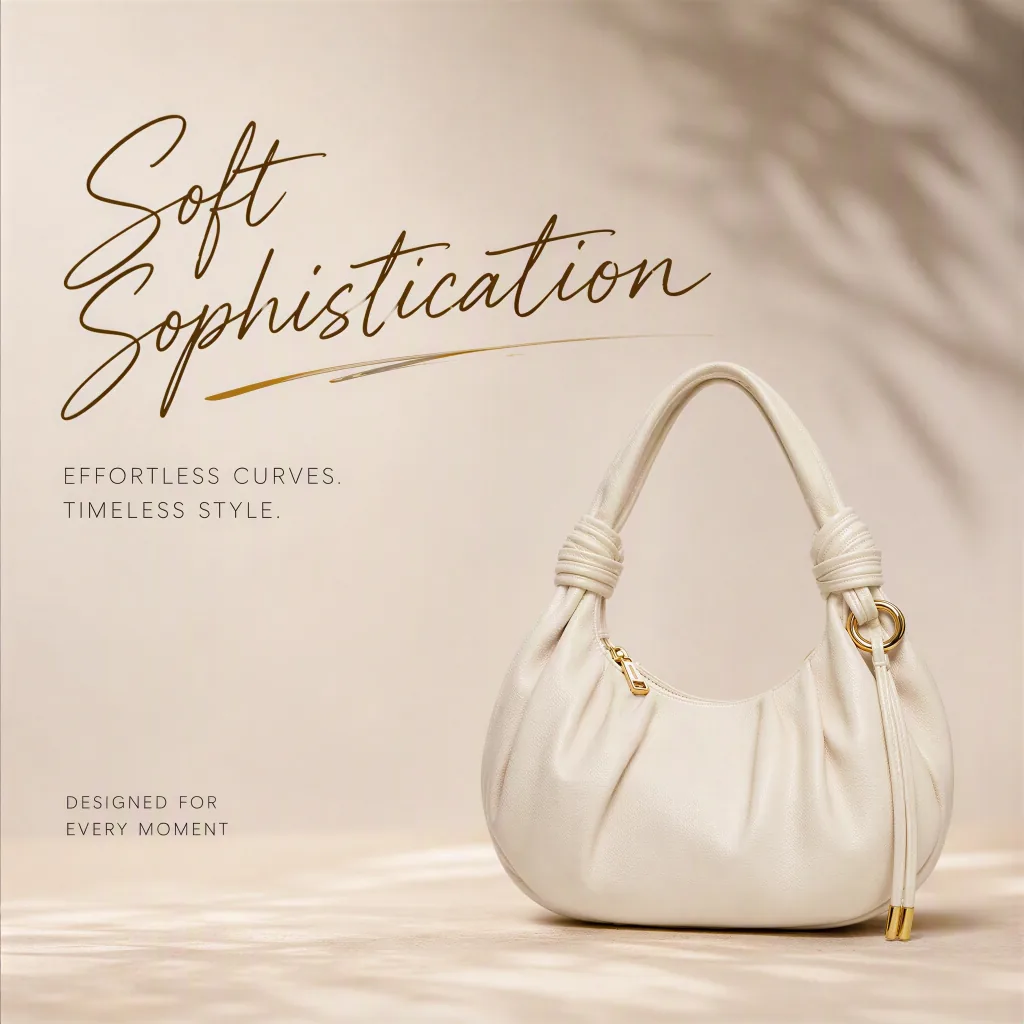
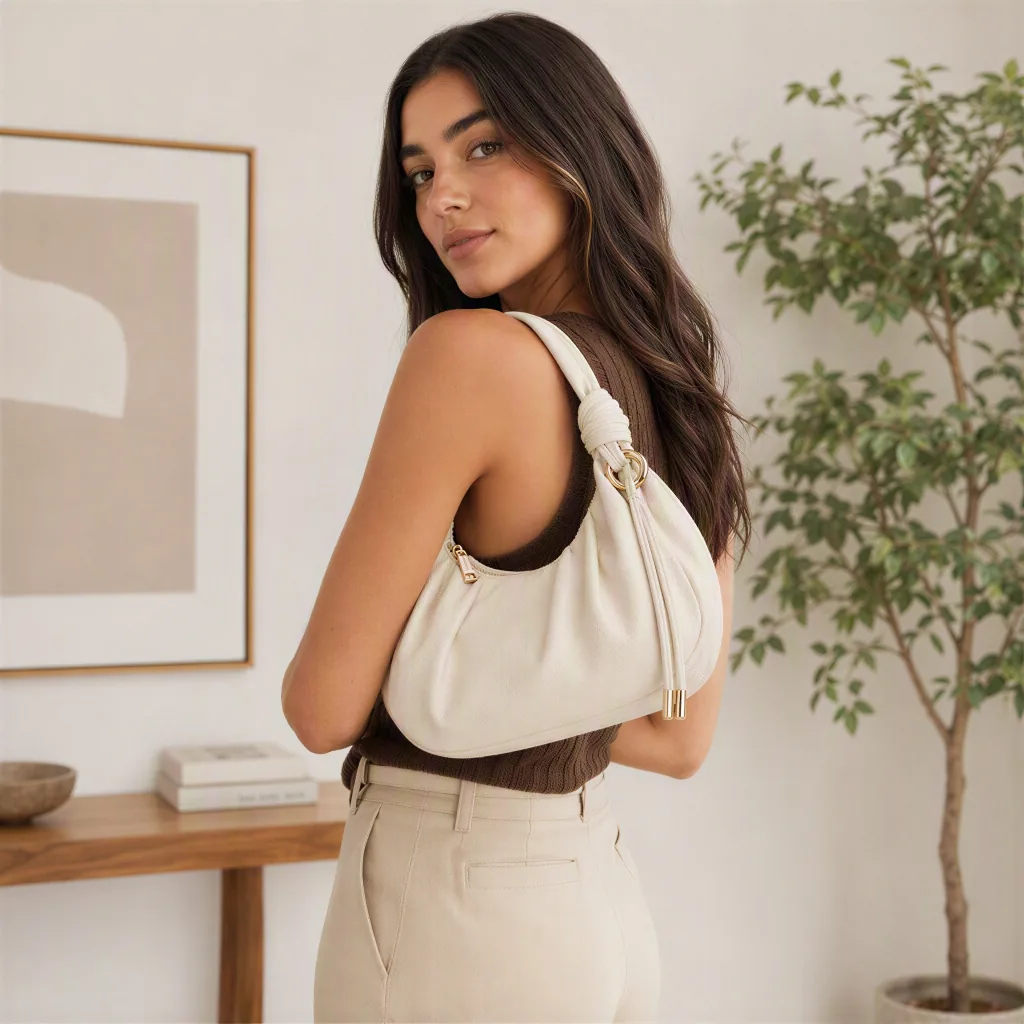
Upload a reference photo to guide the AI. It will seamlessly blend the style, color, or object from your reference into your main image while matching the perspective perfectly.
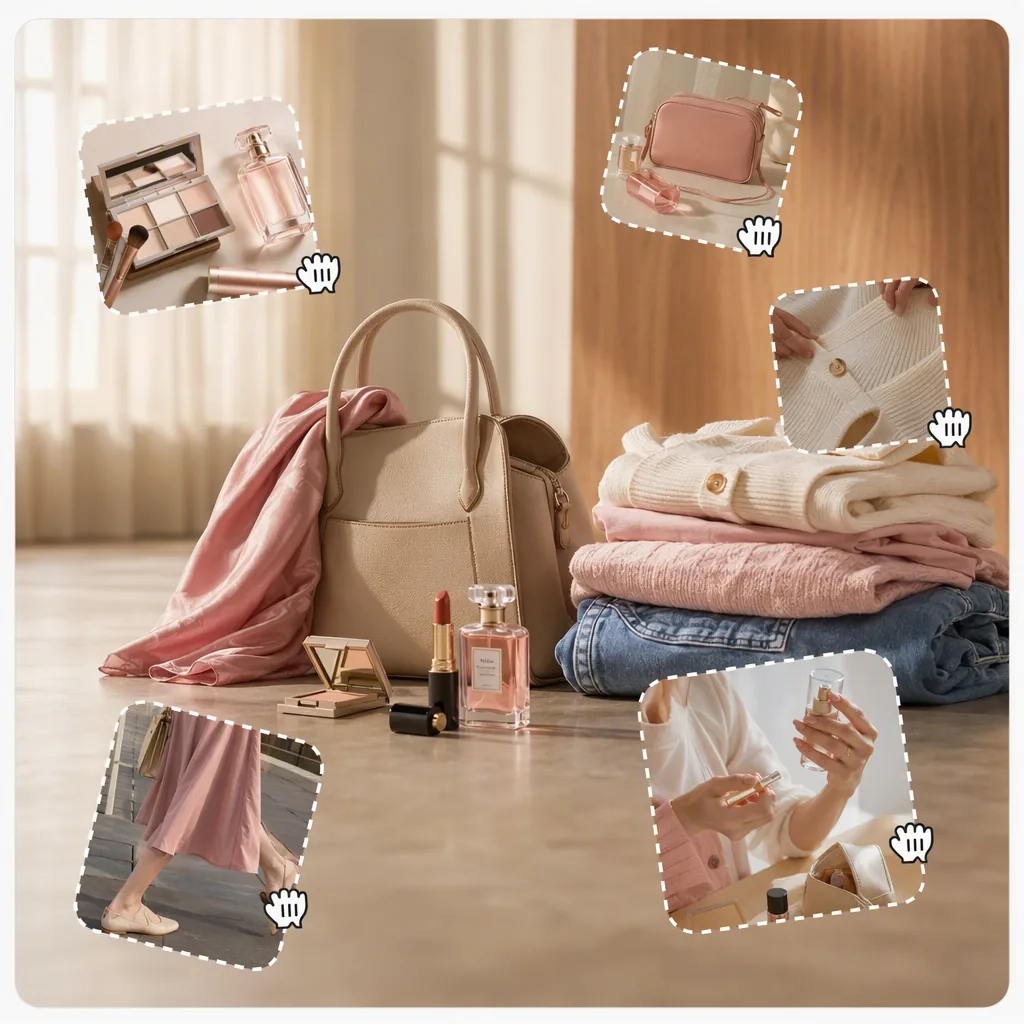
Modify stylized text directly inside your image. Change artistic lettering, update fonts, and localize designs across 20+ global languages while preserving the original composition.
We've answered the most frequently asked questions about Morzai AI Inpaint.
Morzai AI Inpaint lets you edit selected areas of an image with natural language. Brush over the part you want to change, enter a prompt, and Morzai rebuilds the masked area so the new result matches the original lighting, texture, and perspective.
Yes. Morzai can generate 4 image options for you to compare, and those 4 previews are free. Credits are only charged when you choose a result you like and export the final image.
In Listing Image Studio, generate an image first, then select the generated image to start editing it with AI Inpaint. You can also import an image in Morzai Agent, choose AI Inpaint, and edit the image directly.
Yes. Morzai supports high-resolution exports, including 2K and 4K, so your edited images stay sharp for marketplace listings, product pages, social campaigns, and print-ready creative assets.
Morzai supports object removal, object replacement, local retouching, text and art-word updates, style-guided blending, and reference-based edits. It is designed for product photos, listing images, social visuals, and creative image workflows.
Yes. Select the area where the new element should appear and describe what you want to add. Morzai blends the generated object into the scene with matching shadows, color, scale, and perspective.
Morzai supports common image formats such as JPG, PNG, and WebP. For best results, use clear source images with enough resolution for the area you want to edit.
Yes. Use AI Inpaint to brush over the inaccurate area and describe what needs to be corrected, such as a logo, label, color, trim, zipper, button, texture, pattern, or package detail. Morzai edits only the selected area while keeping the rest of the product image intact.
AI-generated product scenes can sometimes change small but important details, including printed text, brand marks, material grain, stitching, handles, accessories, or packaging. Morzai helps sellers repair those local issues before publishing listing images.
Yes. Morzai AI Inpaint is useful for marketplace photos, product pages, social ads, and campaign visuals. Sellers can fix inaccurate AI lifestyle scenes, remove distracting props, update packaging text, repair apparel details, and polish product images without a new photoshoot.
Start with a clear, high-resolution product image and mask only the area that needs correction. For best results, write a precise prompt that names the exact color, logo text, material, pattern, shape, or accessory to preserve. Tiny text, complex logos, and regulated product claims should still be reviewed manually before publishing.